Training Resources
Interested in learning more about Section 508 and Digital Accessibility?
The federal government provides several online training resources specific to IT Accessibility & Section 508 Law Training.
They also provide training videos specific to digital platforms such as Microsoft Word, PowerPoint and Adobe Acrobat DC.
This webpage is currently under development.
Accessible Design Tips
Recommended Practices & Tips for Digital Accessibility
A quick overview of some general tips from the ADA National Network for organizations or individuals aiming to make their online content accessible for everyone.
Universal Design for Content Creators
This video provides an introduction to Universal Design for content creators. It includes resources, tips, and tricks for designing products and environments to be usable by all people, to the greatest extent possible, without the need for adaption or specialized design.
Logical Reading Order
An explanation of the concept of Logical Reading Order, or laying out information on a page or document in a way that allows people who use screen readers or keyboard navigation to follow the content in its intended order.
Alternative Text
What is Alternative Text?
Alternative text, also known as alt text, is descriptive text that conveys the meaning of an image in digital content. It’s designed to make visual content accessible to people with vision disabilities. While there are other benefits of alt text for all users, this video focuses on people who use screen readers.
Note: Clicking on thumbnail will open video in a new tab at the following link: https://www.section508.gov/training/alt-text/what-is-alternative-text/
Working With Color
Color Contrast
An overview of how to check for sufficient color contrast, and why it’s important.
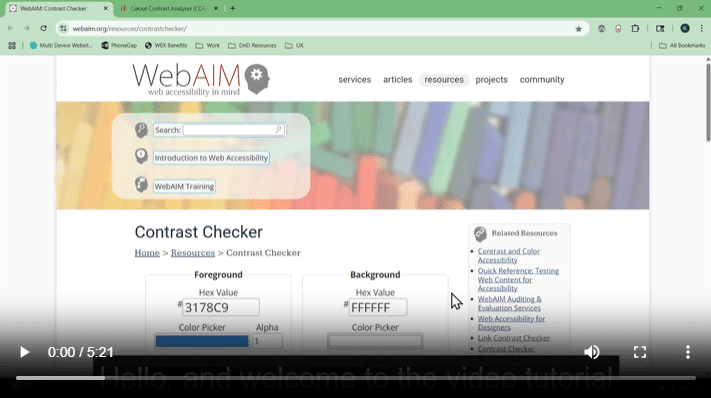
WebAIM Color Contrast Checker Tool
In this video, you’ll learn how to use WebAIM’s online Contrast Checker to evaluate the contrast between text—or images of text—and background colors in documents, in order to ensure that you are using accessible color combinations.
Note: Clicking on thumbnail will open video in a new tab at the following link: https://www.section508.gov/training/create/making-color-usage-accessible/webaim-contrast-checker/
Video Captions
Video Captioning
An explanation of how to successfully create captions for audiovisual content, as well as what to avoid.
Links
Creating Accessible Links
An explanation of how to make hyperlinks accessible to navigate through accurate labeling and distinguishing them from surrounding text.